Featured project
RadialFlow
The Windows radial menu.
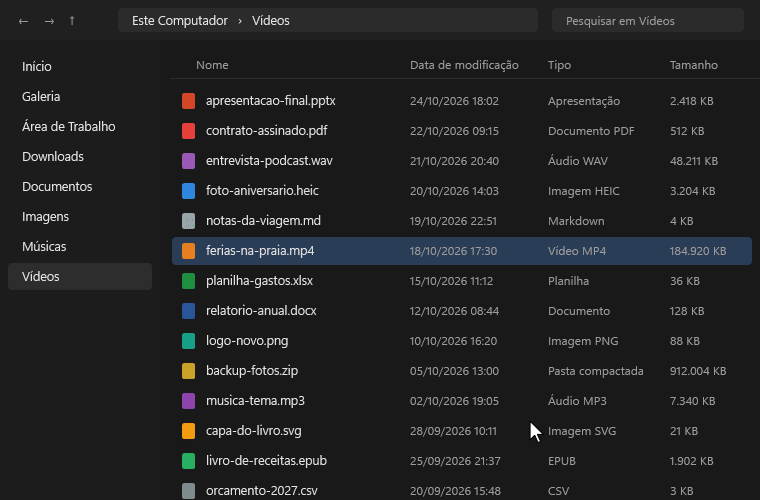
I built RadialFlow to cut down repetitive steps in Windows Explorer. Holding the right mouse button opens file and folder commands in a ring around the cursor — just drag toward an action and release. Beyond system shortcuts, it integrates FFmpeg, Pandoc, and LibreOffice to convert audio, video, and documents straight from the menu without opening extra windows.
- Cursor-centered trigger: hold right-click, drag, and release
- Local media and document conversion via FFmpeg, Pandoc, and LibreOffice
- Native C#/.NET/WPF desktop app with no Electron overhead
- Automated test suite and release builds on GitHub Actions
Problem
The default Windows context menu buries frequent actions inside nested submenus and lacks built-in file conversion.
Approach
I built a pointer-centered radial UI in WPF wired to command-line tools (FFmpeg, Pandoc, and LibreOffice).
Result
Single-gesture execution, shipped under the MIT license with a Windows installer and a CI test pipeline.
22 stars, 4 forks, license MIT, version v1.5.0